


Tomato Keyword Blocking
In this blog post, I will be showing you how to set your Tomato router to block porn sites using the Keyword Blocking option of your Tomato router. Once you are set, you will be able to block everything in cyberspace be it in HTTP or HTTPS. You can even block the daylight out of Facebook if you want to. :)
Go to Access Restriction:
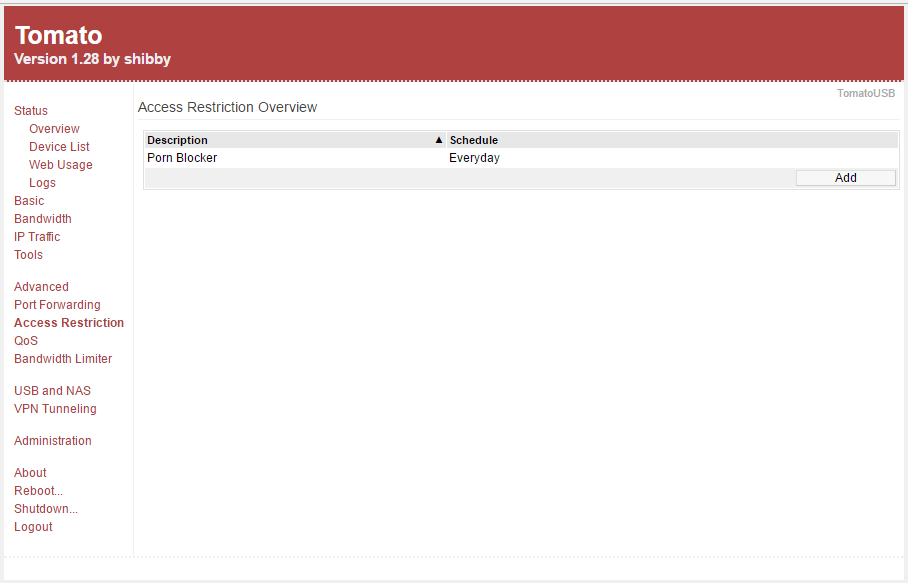
Click on the example entry:

Then put a tick mark on the ENABLE box. Write a description and put a tick mark on ALL DAY and EVERYDAY box. Choose ALL COMPUTERS/DEVICES if you want your access restriction rule to take effect on all computers/devices on your network. Inside the HTTP REQUEST box, type in the keyword you want and click save after you’re done and just like that you are good to go!


Comments